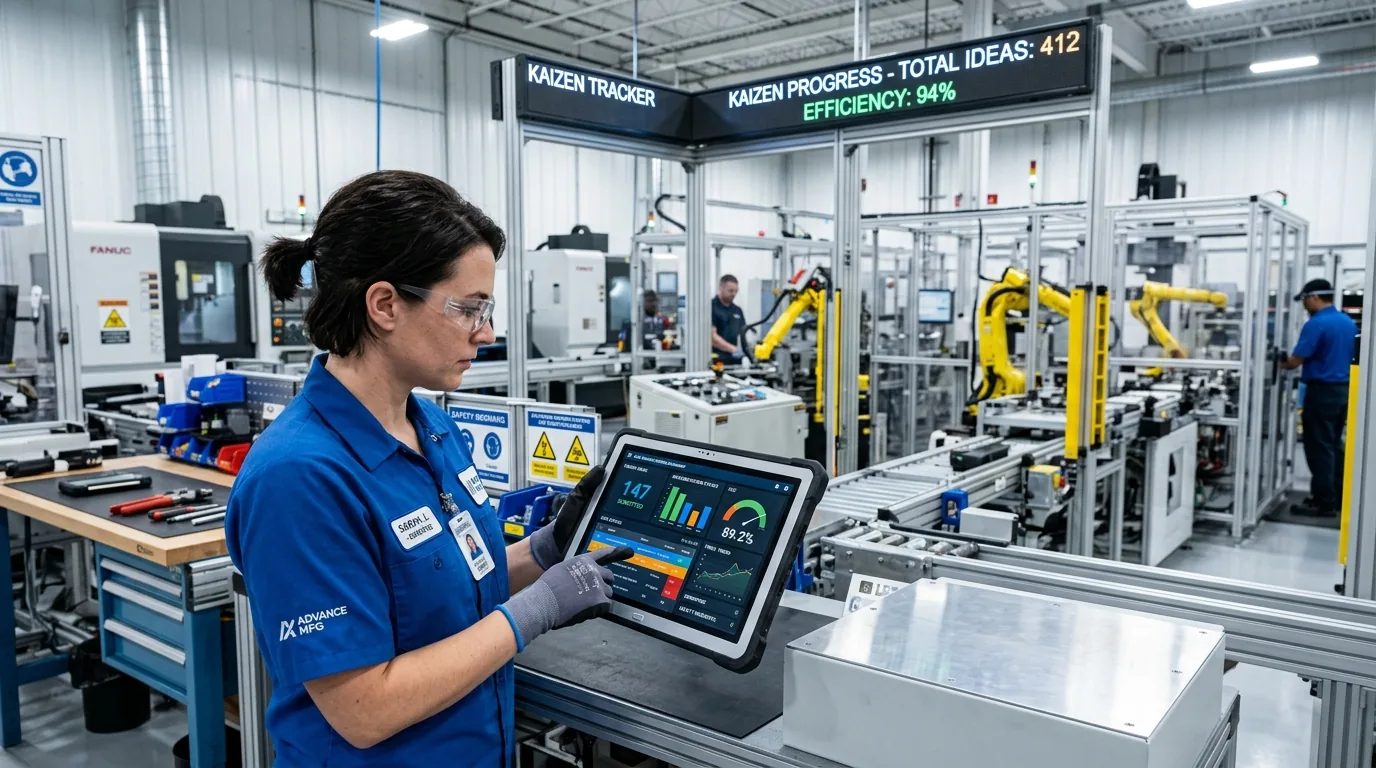

Digital Kaizen Management: How a Modern Continuous Improvement System Transforms Workplace Efficiency
Discover how a digital Kaizen Management System drives continuous improvement, cuts waste, and boosts workplace efficiency with real-time tracking.

Kaizen Management System replaces paper forms and scattered spreadsheets with one workflow: submit a kaizen, route it for approval, notify the owner, and report on it — from the shop floor or from your pocket.
Product overview
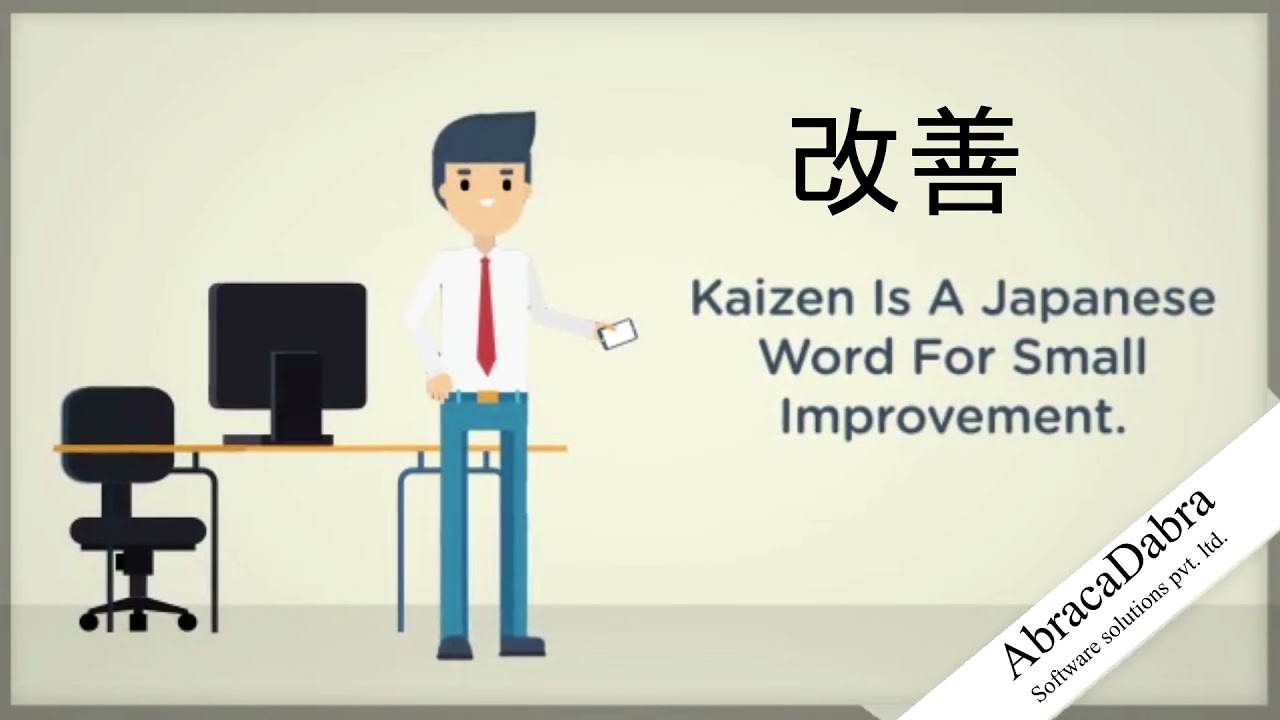
Kaizen — the Japanese practice of continuous, incremental improvement — only works if every idea from the floor gets captured, reviewed and closed the loop on. KMS is built to do exactly that, end to end, on whatever device your team already carries.
Any user submits a kaizen from the mobile app or web portal in minutes, attaching a before photo and a short description of the problem.
Admins see every submission in one consolidated queue, approve or reject with a reason, and status updates live across all connected devices.
The submitter is notified the moment a status changes — no chasing supervisors or manually checking shared spreadsheets.
KPIs, interactive charts, and auditable PDF/Excel reports are always one click away, for a single kaizen or the whole plant.
Why plants move off paper
Paper forms and standalone spreadsheets work for a handful of kaizens. Past that, visibility disappears and improvements stall.
Core features
No add-ons to configure — reporting, KPIs, notifications and status tracking come standard.
Generate an Excel-based auditable report for any timeframe, across any number of users — ready for quality audits.
See the exact picture of kaizens approved or rejected by admins in any given timeframe, at a single glance.
Every kaizen and its status updates live. Approvals and rejections are reflected instantly across mobile and web.
The moment a kaizen arrives or its status changes, the submitter & admin are notified instantly without manual follow-up.
Attach before and after photos to every kaizen record, stored securely for reference whenever needed again.
Download a full PDF for one kaizen from start to finish, or a consolidated Excel sheet across every kaizen parameter.
Platforms
The web portal, Android app and iOS app all read and write the same record, so a kaizen submitted on the floor shows up instantly for an admin at a desk.
Access & roles
Every account sees exactly what its role needs — from floor operators to plant HR managers.
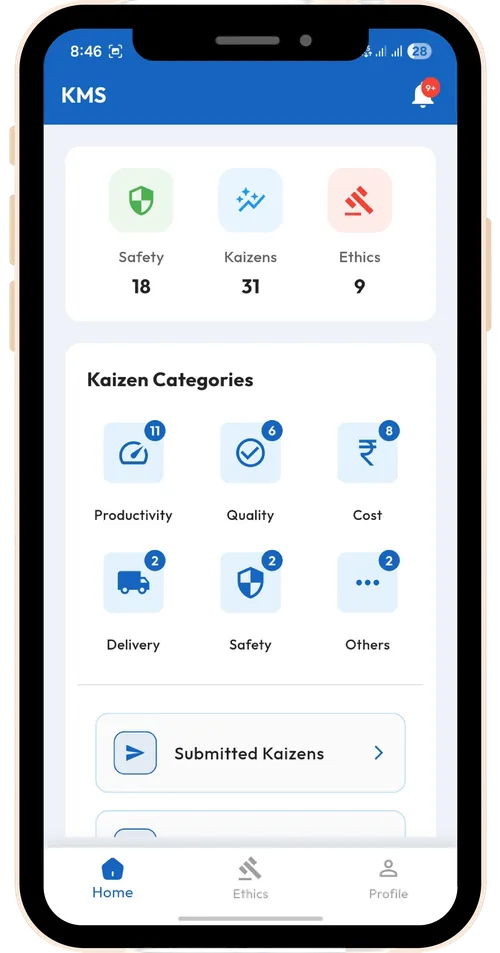
Any registered employee can log in, submit a new kaizen with descriptions & photos, and track real-time status updates.
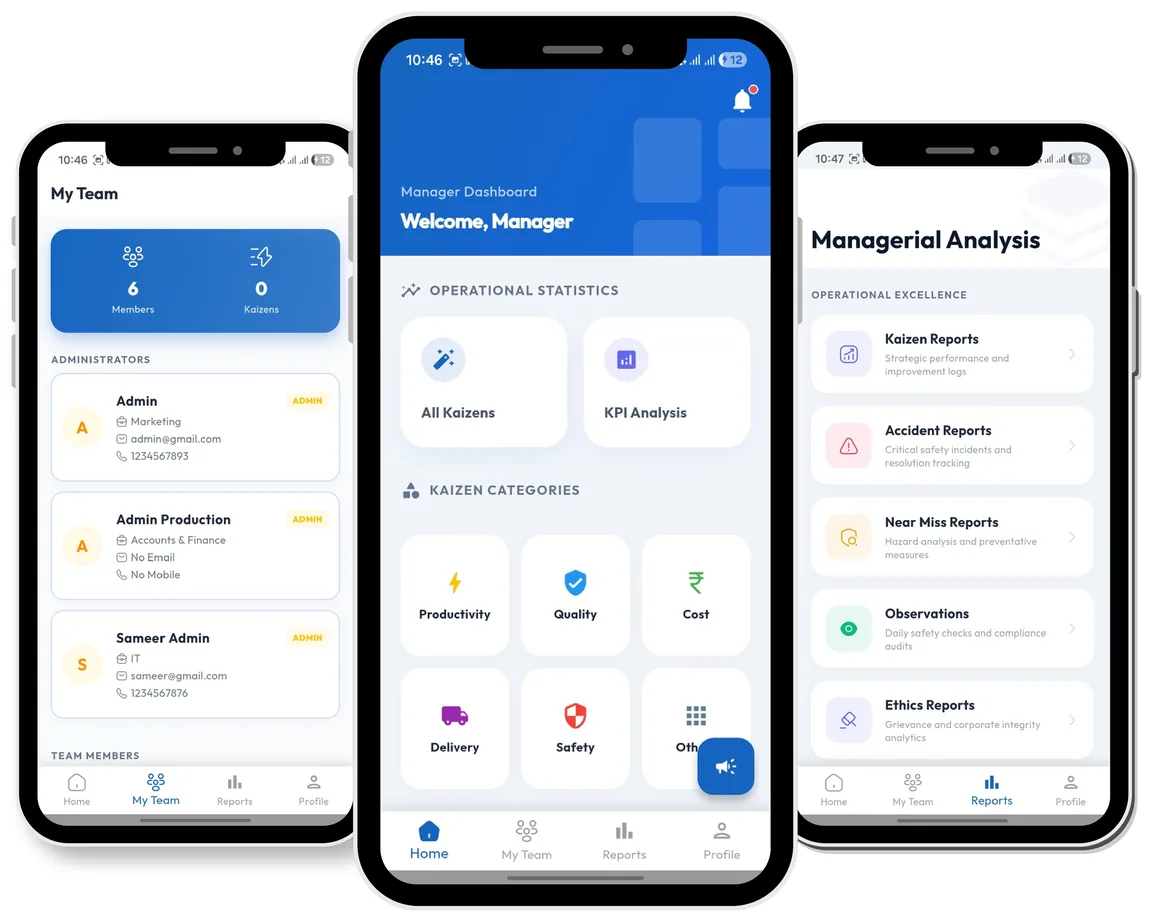
Department managers monitor progress, review team submissions, and track operational improvement targets.
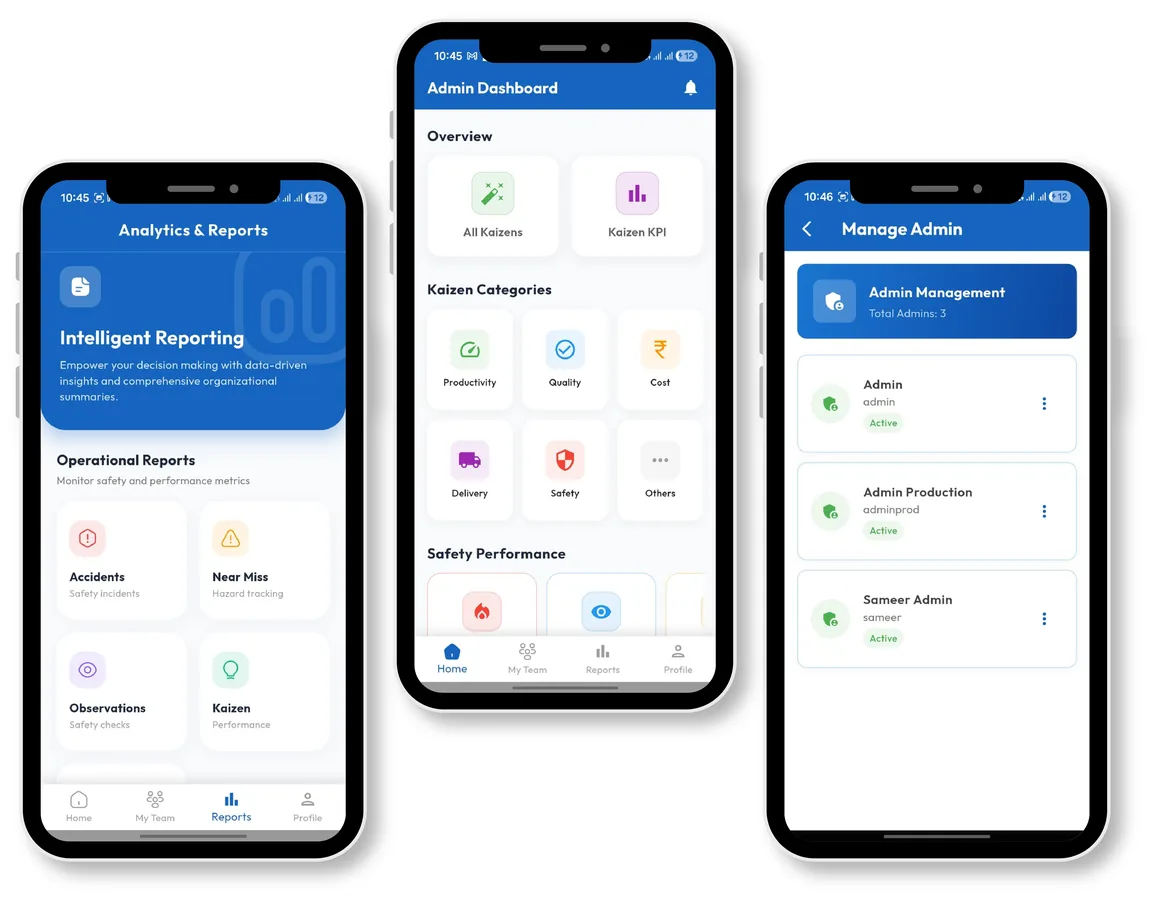
Admins see every kaizen submitted across their scope, approve or reject with reasons, and generate auditable reports.
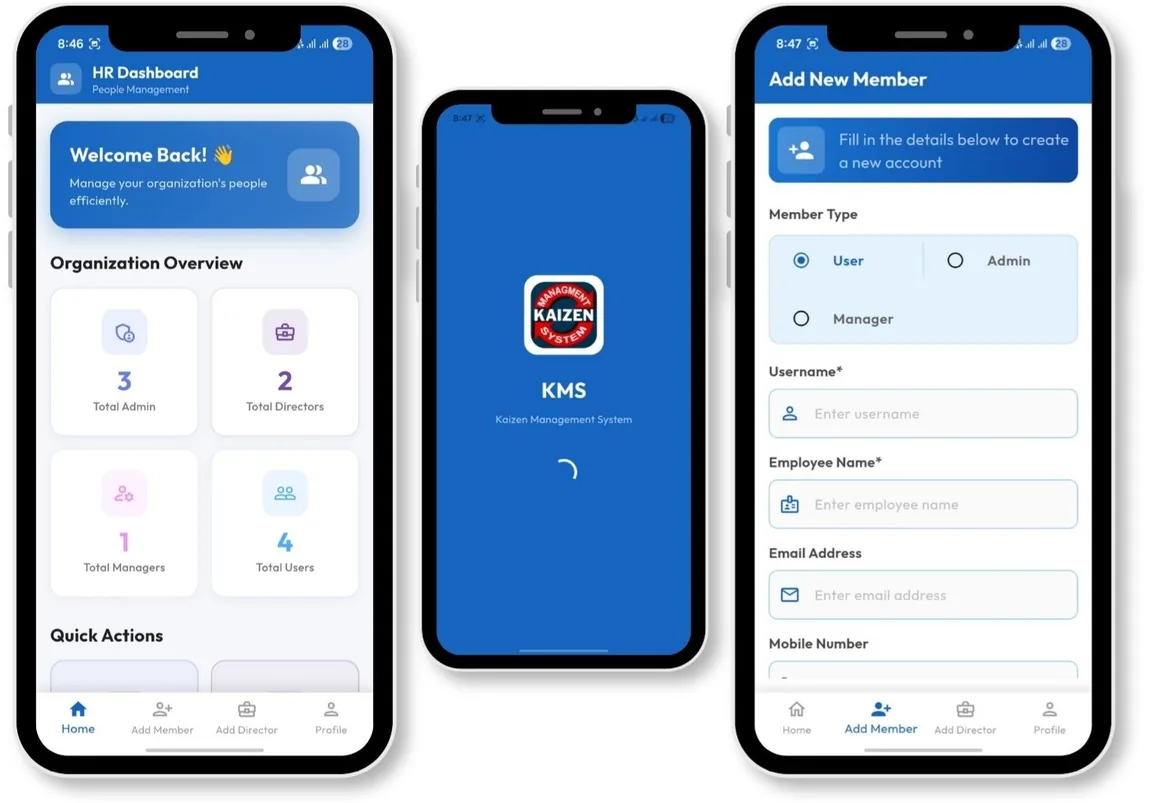
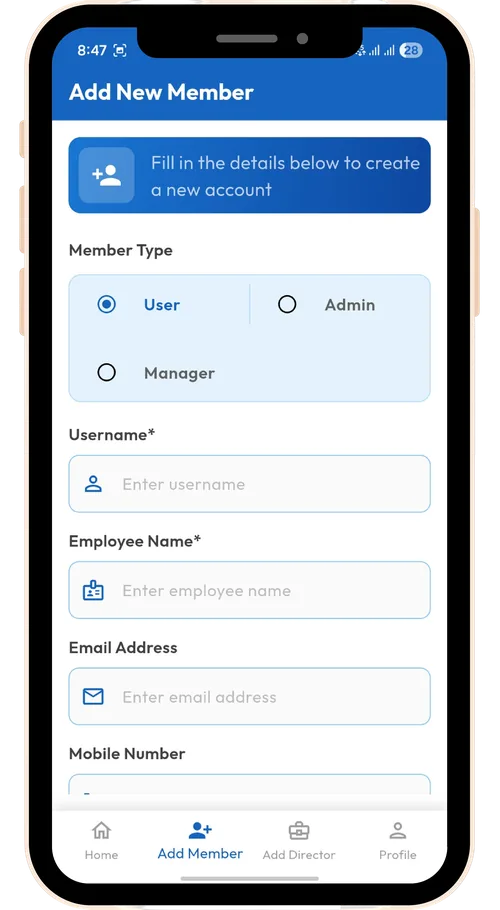
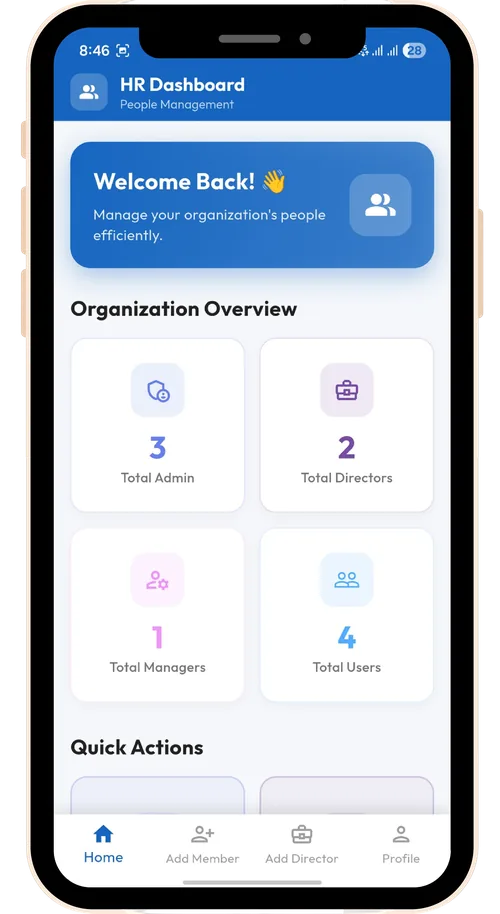
HR manages system access — creating, editing, and deactivating accounts for users, managers, and admins.
How it works
A kaizen follows the same protocol every time, so nothing depends on someone remembering to follow up.
A user submits a kaizen from the app or web portal, with a description and photos of the problem.
The kaizen enters the admin queue, visible with a "pending" status to both submitter and admin.
An admin approves or rejects the kaizen. The decision, and who made it, is logged on the record.
The exact user who owns that kaizen is notified immediately, with no need to check back manually.
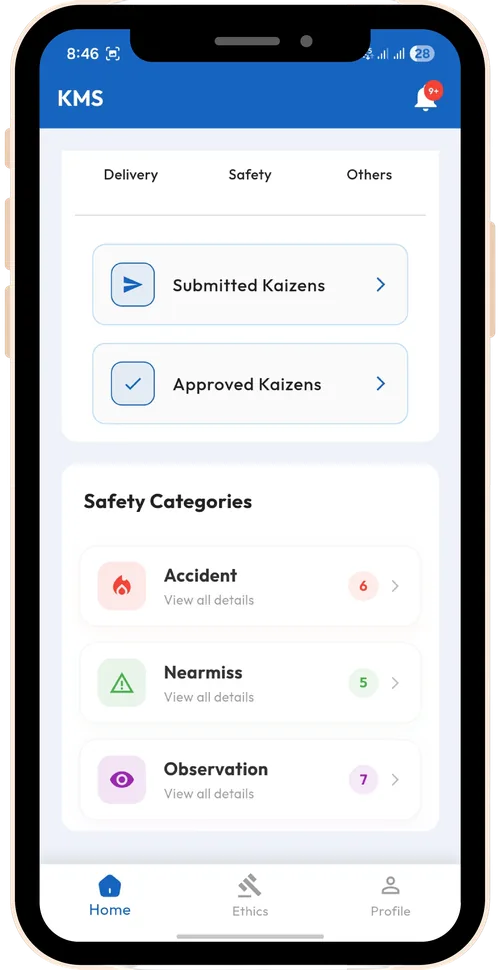
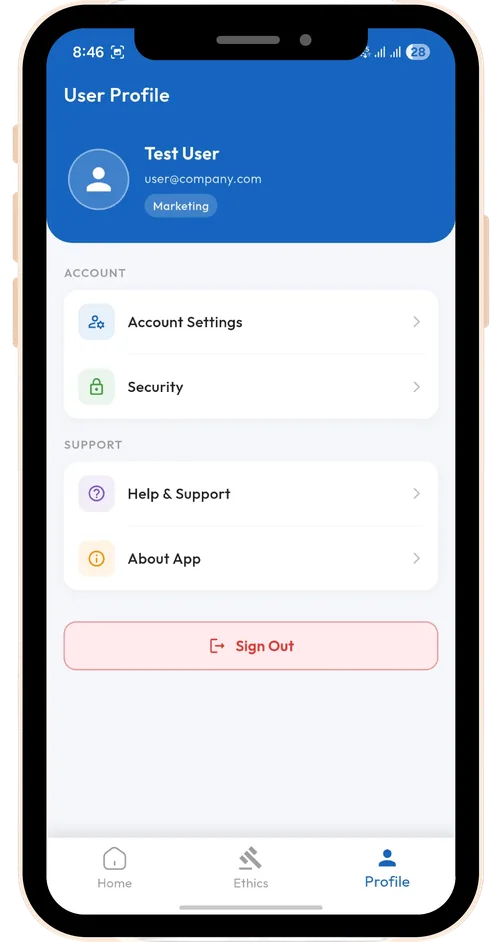
App Preview
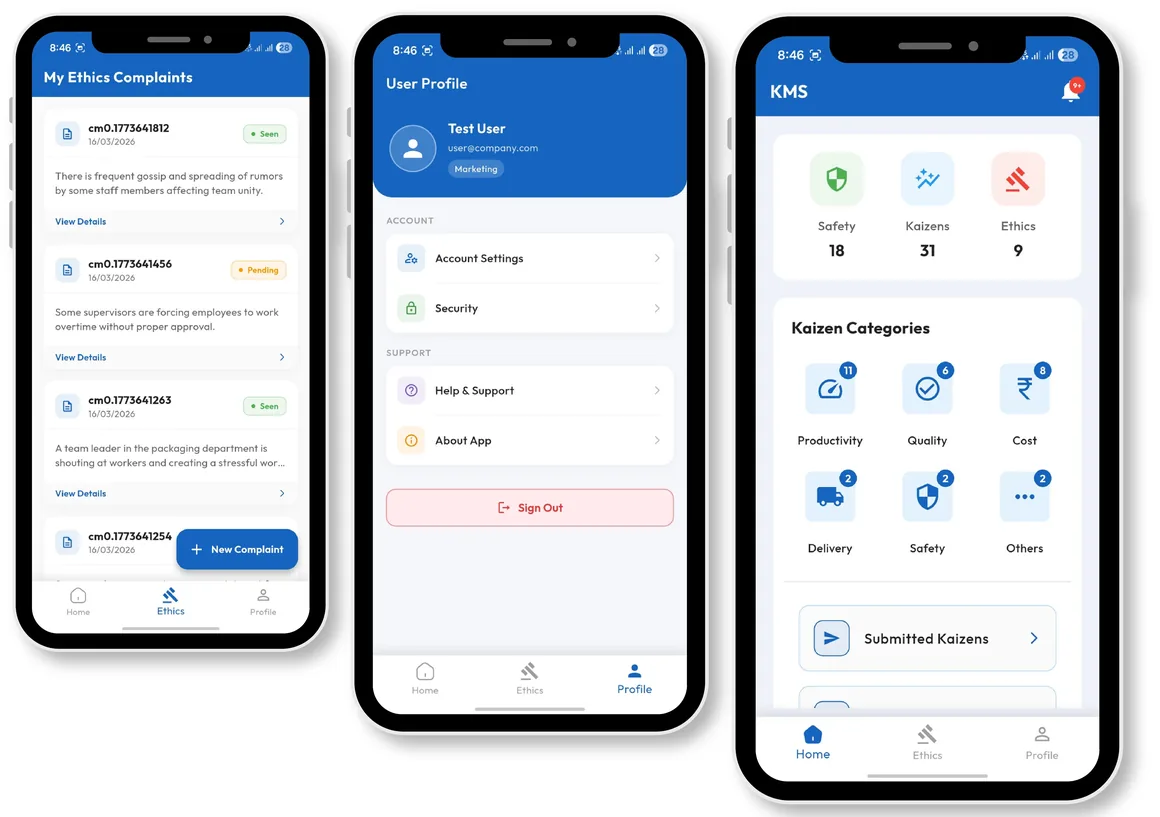
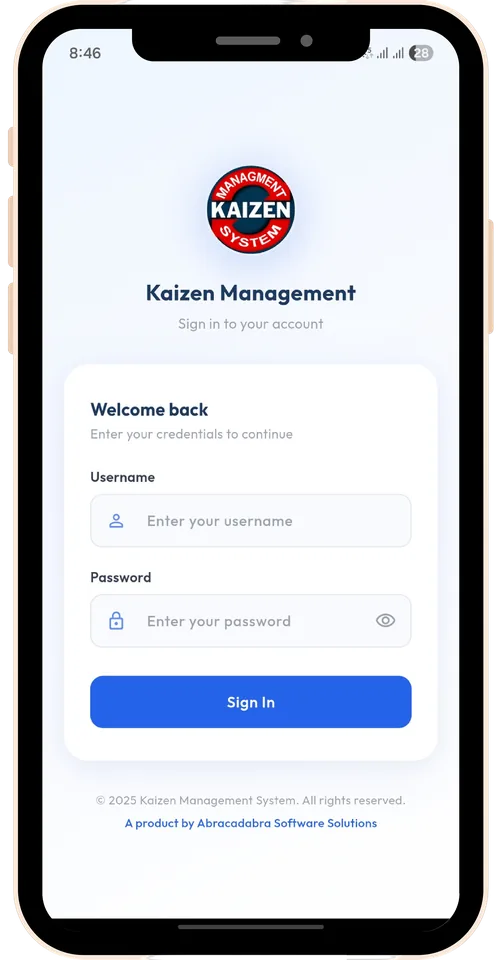
Explore the KMS mobile experience — intuitive interfaces for submission, approval, tracking, and account management on the shop floor.
Charts & reports
Every chart on screen is backed by a report you can hand to an auditor.
See the split of total kaizens by status at a glance.
Compare status distribution across teams for quick readability.
Generate an auditable report of all submitted kaizens, filtered by any parameter.
Business benefits
Supervisors log kaizens directly through their own login, so the quality team no longer needs dedicated staff to chase and re-enter paper forms.
Real-time status and notifications mean every kaizen reaches a decision — approved or rejected — instead of sitting unread.
Auditable Excel and PDF reports are available for any timeframe, so quality audits don't require a scramble to reconstruct history.
A web portal for admins and HR alongside mobile apps for the floor means every site works from the same live data.
In production
Kaizen Management System is deployed with Haldex India, a manufacturer with multiple offices across the country, running its kaizen submission and approval workflow across sites.
Live deployment
Haldex India
Watch in Action
See how Kaizen Management System streamlines submissions, approval queues, and real-time tracking across plant locations.
Official Banners
High-resolution banners for Kaizen Management System, leadership, and enterprise solutions.
Continuous Improvement Insights
Explore how digital Kaizen Management Systems drive workplace efficiency, empower frontline teams, and deliver quantifiable ROI for industrial organizations.
Discover how a digital Kaizen Management System drives continuous improvement, cuts waste, and boosts workplace efficiency with real-time tracking.
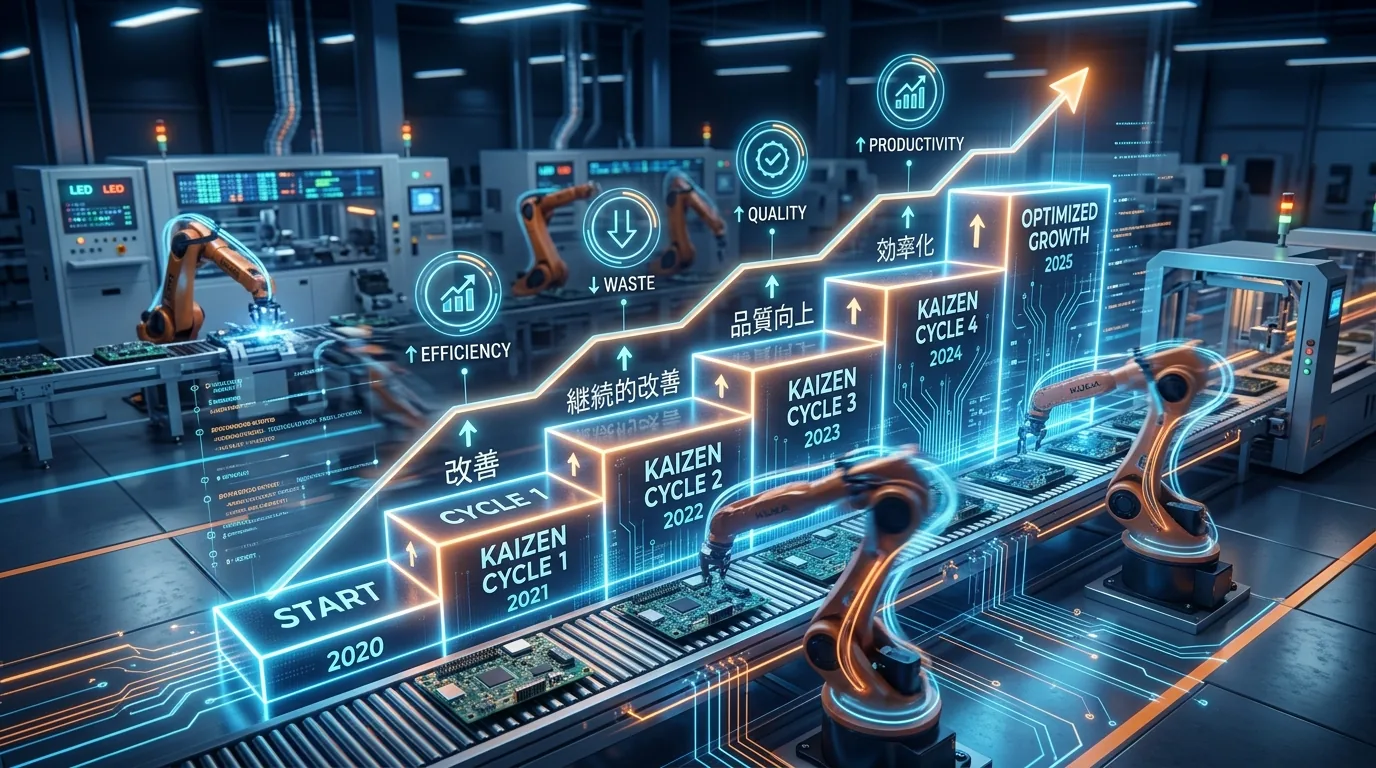
Learn how a structured Kaizen Management System turns frontline ideas into measurable cost savings and stronger employee engagement across your organization.
Learn why continuous small improvements drive revolutionary innovation and long-term organizational success in modern manufacturing.
FAQ
Any employee with a registered user account can log in and submit a kaizen, from either the mobile app or the web portal.
It enters the admin queue with a pending status. An admin reviews it and approves or rejects it, and the submitter is notified the moment that decision is made.
HR accounts create, edit and delete both user and admin accounts, so access always reflects who is currently on your team.
Both. Download a PDF of one kaizen from start to finish with its full status history, or a consolidated Excel report across every kaizen and parameter.
KMS runs as a web portal and an Android app today, with an iOS app coming soon. All three stay in sync with the same live data.
Yes. Every kaizen record keeps its status history, and auditable reports can be exported for any timeframe.
Get in touch
Tell us a little about your plant and we'll walk you through the web portal and app on a call.
See KMS running on the web portal and mobile app in a live walkthrough with your data.